Adding Scripture
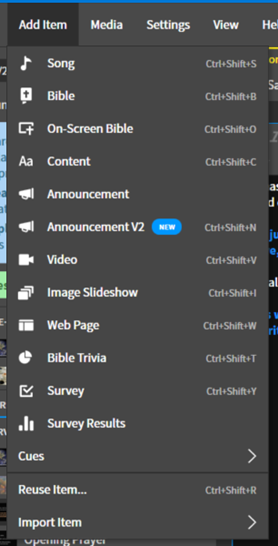
1. Add On-Screen Bible
Add a new On-Screen Bible by doing the following:
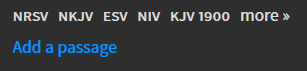
2. Add a Passage
Add a new passage by clicking the Add a passage text.
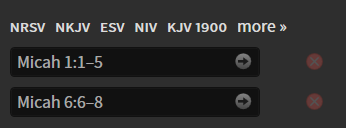
3. Enter Readings
Enter the readings into the box. For readings that span multiple chapters, you will have to break up the chapters. Press the -> to the right to add the scripture reading to the content.
4. Change Bible as Needed
Depending on which bible the reading comes from, you might need to change the bibile you are using. Above the passages entering it gives you a list of bibles, select it from there.
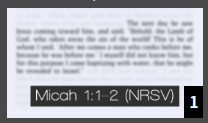
The bible will tell you at the bottom of the screen in the preview what version you are using.
Last update: November 15, 2022