Deleting Images from Pre- and Post-Service loop
The image slideshow in the pre- and post-service loops are linked together, so when you edit one of them, the opther will update as well.
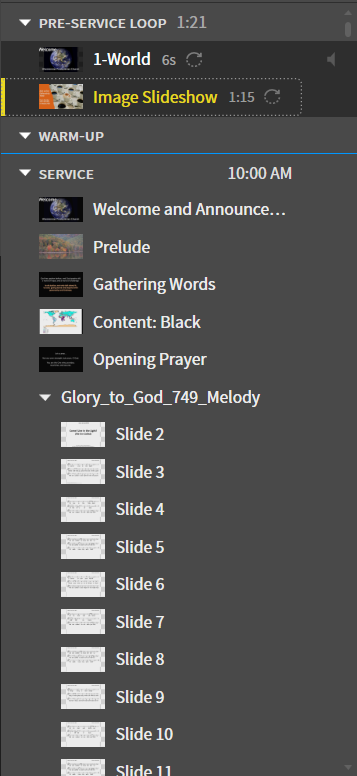
1. Navigate to Image Slideshow
Navigate to the Image Slideshow in the Pre-Service Loop
2. Delete Image
Delete an image by clicking the x button to the right of an existing image on the left side.

Last update: November 15, 2022