Starting a New Presentation
1. Opening Proclaim
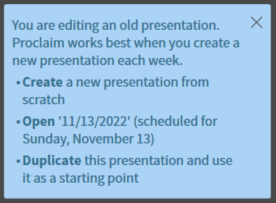
To start a new presentation, open proclaim and you will be greeted with a blue box on the left side of the screen.
2. Duplicate Presentation
Press the bolded Duplicate button. This will duplicate the presentation and automatically schedule it for the coming Sunday.
Last update: November 15, 2022